
A menu-bar app for Mac · coming soon

Two keys.
Every tool,
at your cursor.

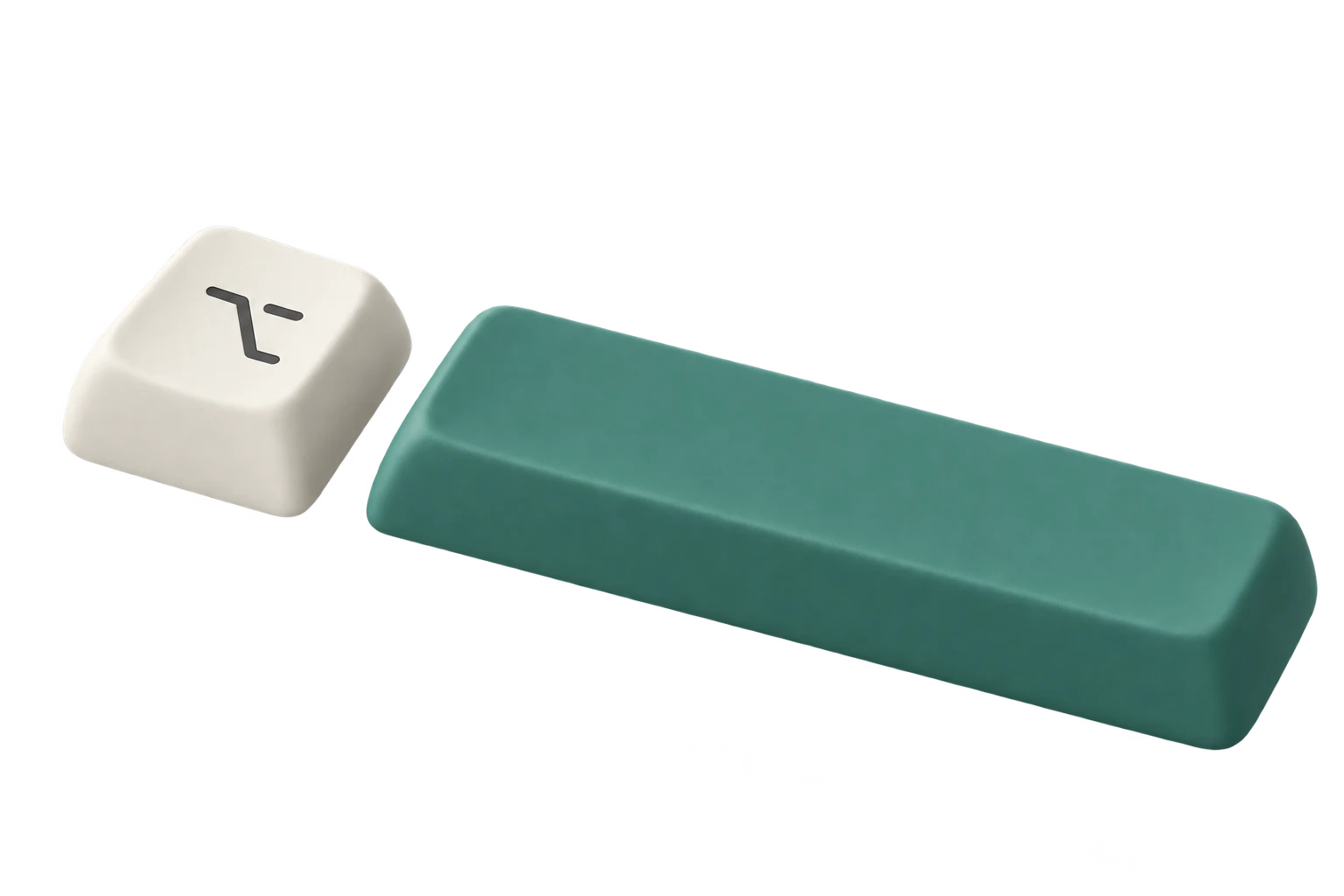
Select text in any app and press ⌥Space. A wheel of AI tools circles your cursor like a small moon. Pick one, and the answer lands right beside your work.

macOS 14+ Apple silicon Coming soon
Works in any app Mail Safari Xcode Figma VS Code Notes Slack…
How it works

Select. Press. Pick. Done.

No new window to manage, no copy-paste into a chat box. The tools come to wherever you already are.

We should ship the onboarding before the beta. The empty state still says “No data yet”, which feels cold and doesn’t say what to do next.

01

Select anything

Text in any app. Or hold Shift and drop a PDF, doc or screenshot on the wheel.

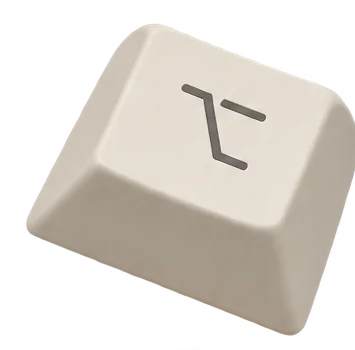
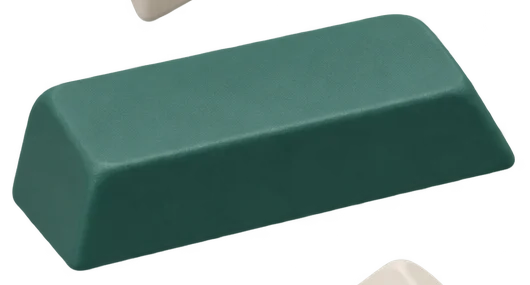
Option keycap+Teal space keycap
⌥ option + space
02

Press ⌥ Space

The wheel opens around your cursor, wherever it is on screen. ⌥ Space by default, or any shortcut you set.

03

Pick a tool

Click, or use the arrow keys and Enter. It usually guesses right first time.

RewriteSelected text
“Nothing here yet. Add your first project and it’ll show up right here.”
CopyReplaceChat about this
04

Answer beside your work

Copy it, replace your selection, or keep going in chat.

Features

Nearly sixty tools.
Each one a keypress away.

The wheel guesses

It reads your selection and lights up the likely tool.

Press Enter and you’re done. Or type a tool’s name to find it.

def merge_intervals(rows):→Explain code
TypeError: Cannot read properties of undefined→Find bugs
Wir sehen uns um neun am Bahnhof.→Translate
jobs.example.com/senior-product-designer→Cold email
Name · Role · Start date · Team→Table to CSV
2,400 words of research interview notes…→Summarize
Typed “alt t”Alt text
↵to accept←→to moveescto close
Alt text

Select a frame, get alt text that says what matters.

hero.png
Alt texthero.png
A cream Option key beside a long teal space bar, floating on a white background in soft studio light.
CopyChat about this
UX copy

Microcopy, minus the shrug.

BeforeSubmit your informationAfter Create account
Get startedContinue
Name ideas

“A calm habit tracker”

TallyDaybookLittle WinsKeptEvenly
Translate

One tap per language.

See you at the station at nine.
Into: SpanishFrenchGermanJapaneseChinese
Translate · Spanish
Nos vemos en la estación a las nueve.
CopyReplace
Flashcards

Turn a document into a deck.

1 of 24 · Type basics.pdf

What does a typeface’s x-height measure?

Tap or hover to flip
Answer · p. 12

The height of its lowercase letters, measured on the letter x.

Explain this card →
Again1mHard5mGood4dEasy14d
Convert

File conversion on your Mac. Offline.

PDFBrief→DOCX
PNG ×12Moodboard→PDF
KEYReview deck→PPTX
PDFPortfolio→SMALLER
Your original is never changed.Free forever
Chat + memory

Keep going in chat. Memory is optional, and every fact is yours to edit.

New chat
Search chats
CONVERSATIONS
UX copy · Sign-up
Summarize · Interviews
Decks
Memory
MemoryRemember across chats
Works as a product designerFact
Prefers British spellingPreference
Designing a habit trackerProject
Ask a follow-up…
Context · 2 sources
Fact check + export

Flags names, numbers and dates that aren’t in your source.

SummarizeResearch notes.pdf
Five of eight people skipped onboarding. Testing wraps up on 14 March, then the team picks one flow.
“14 March” isn’t in your source. Check it before you share.
Export PDFExport WordChat about this
Tools by profession

Your wheel, set up for your work.

Pick what you do at setup and Moonlet fills the wheel with the tools you’ll reach for. Change any of it later, even the shortcut that opens it.

Explain codeFind bugsCommit messageWrite docsRegex / SQLSummarize
Terminal — selected
Traceback (most recent call last):
  File "app/session.py", line 42, in current_user
    return users[session["user_id"]]
KeyError: 'user_id'
An error is selected, so the wheel guesses Find bugs
Find bugsSelected text

Why it fails

When the session cookie expires, session has no "user_id", so the lookup raises.

Fix

Use session.get("user_id") and send the person to sign-in when it’s None.
Change it…
CopyReplaceChat about this
UX copyCritique this screenAlt textName ideasSummarize feedbackConvert
Notes — usability round 2
Ana: couldn’t find “Skip” on step 2, tapped back twice. · Tom: loved the illustrations, but the progress dots were confusing. · Mei: wanted to change her goal later and couldn’t find where. · Jonas: also missed “Skip”…
Long feedback notes are selected, so the wheel guesses Summarize feedback
Summarize feedbackNotes · usability round 2
ThemeWhoSuggestion
“Skip” is hard to findAna, JonasMake it a visible button
Progress dots unclearTomShow “Step 2 of 4”
Can’t edit goal laterMeiLink to it from Settings
SpanishFrenchGermanJapaneseChinese
CopyReplaceChat about this
Draft PRDUser storiesAction itemsRelease notesSummarizeAsk
Notes — launch sync
Marco will finish the sign-up page by 25 November. Lena writes the welcome email. Sofia books a review with the design team for the 28th. We agreed to open the beta to 200 people on 2 December.
Meeting notes, so you reach for Action items
Action itemsNotes · launch sync

Tasks

TaskOwnerDue date
Finish the sign-up pageMarco25 November
Write the welcome emailLenaunspecified
Book a design reviewSofia28 November

Decision

Open the beta to 200 people on 2 December.
Export PDFExport WordChat about this
RewriteShortenProofreadHeadline ideasSocial post
Draft — newsletter
In this week’s issue, which we have been working on for quite some time now, we wanted to take a moment to share with all of you some of the things we have learned along the way about writing shorter emails.
Forty words where ten will do. Shorten
ShortenSelected text
This week: what we’ve learned about writing shorter emails.
ShorterMore formalAgain
Change it…
CopyReplaceChat about this
SummarizeExplainTranslateExtractReply to emailAsk
Mail — from Clara
Hi! Could we move Thursday’s call to Friday morning? Also, could you send the final invoice before then? Thanks, Clara
An email, so you reach for Reply to email
Reply to emailMail · from Clara
Hi Clara,

Friday morning works. Does 10:00 suit you? I’ll send the final invoice by Thursday.

Best,
Sam
CopyReplaceChat about this
Privacy

Your work stays
on your Mac.

Moonlet is a Mac app first. The things you keep live on your machine, and the things that leave it don’t stick around.

Conversions run locally

PDF, Word, images, Office and iWork files convert on your Mac, offline. Your original is never changed.

Library and chats on your Mac

Your decks, conversations and sources are stored on your Mac, not in someone’s cloud.

AI requests pass through

Requests go through Moonlet’s server to the model provider. Nothing about your documents is kept after the request.

Memory is optional

Chat only, off when you want it off. See, edit or delete every fact it learns.

Pricing

Free to start. Pro when you need more.

Final pricing comes with the launch. Here’s the shape of it.

Free

Free forever
Conversions,
forever.

Plus free AI actions so you can try it.

  • File conversions, offline, free forever
  • Free AI actions to try it
  • Your original file is never changed

Pro

Coming at launch
Monthly credits,
top up any time.

For people who live on the wheel. Pricing at launch.

  • Monthly AI credits
  • Top-ups whenever you need them
  • Everything in Free

Give your cursor
a little moon.

Join the waitlist and we’ll email you once, when Moonlet is ready for your Mac.

macOS 14+ Apple silicon Coming soon
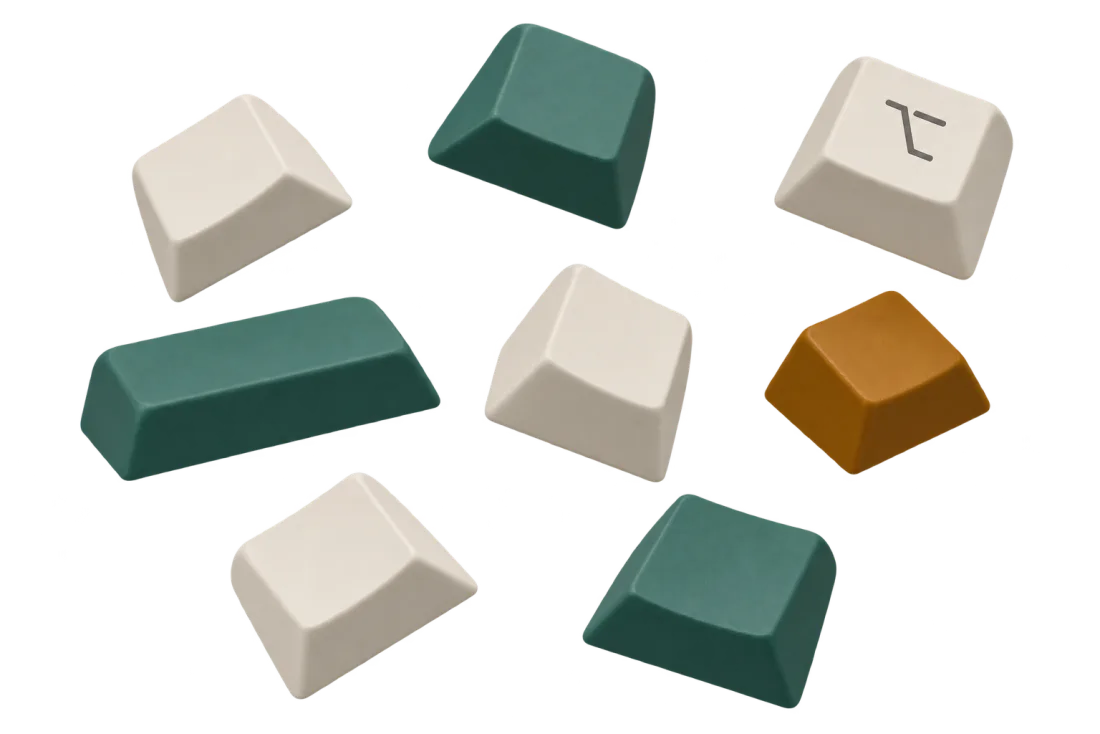
Loose cream, teal and amber keycaps tumbling, one with the Option symbol